专注是我们的态度
专业是我们的品质
戴文,您的数字化专家
欢迎来到戴文科技!
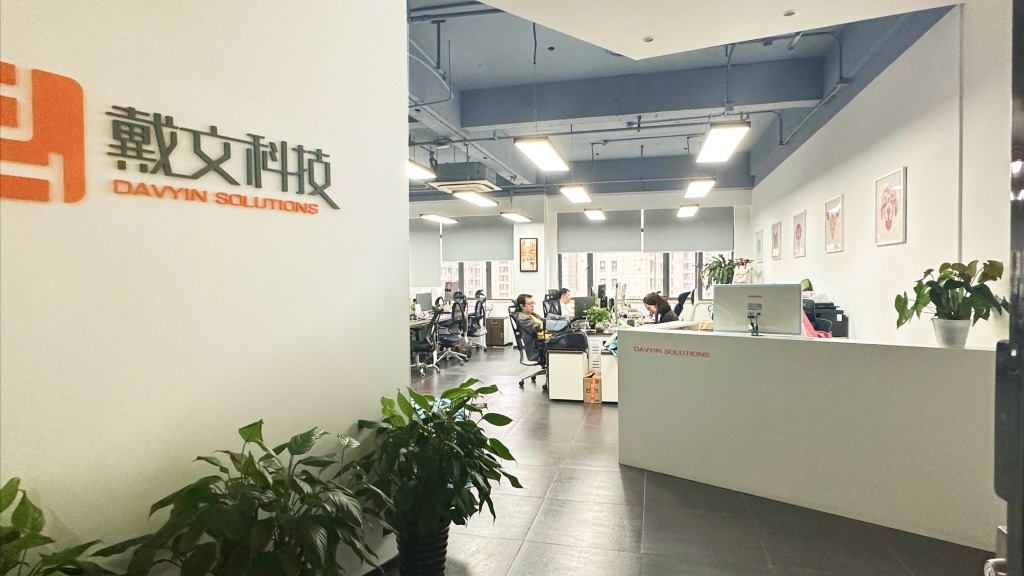
戴文科技(Davyin)是一家专业的互联网技术研发公司,利用Drupal、AEM等技术平台为客户提供咨询、设计、开发、运维等端到端的数字化服务。我们长期关注着科学技术的进步和开源社区的发展,以技术为核心,帮助您实现以客户和市场为导向的数字化转型。
16年+
成立于2008年,立足上海,服务全球
200 +
已为客户提供200多个不同类型的项目
60%
服务50多家客户,60%以上为500强企业
Drupal
Drupal内容管理平台是一款被广泛认可的、优秀的开源内容管理系统,适用于企业级门户网站、高校站群、政府门户网站等以内容为驱动的展示型网站。Drupal提供强大的后台支撑、友好的用户操作界面、覆盖全球大部分语种,并提供灵活的权限控制和可配置的工作流引擎。其内置的SEO营销工具则使得品牌形象推广更为容易。
AEM
我们基于Adobe Experience Manager(AEM)为500强企业,金融机构高端定制覆盖多地区的统一数字化解决方案。将内容管理、数字媒体管理和营销自动化等关键功能集成在一起。为企业提供了优秀的内容管理并同时支持多渠道交付,包括网站、移动应用、社交媒体等。
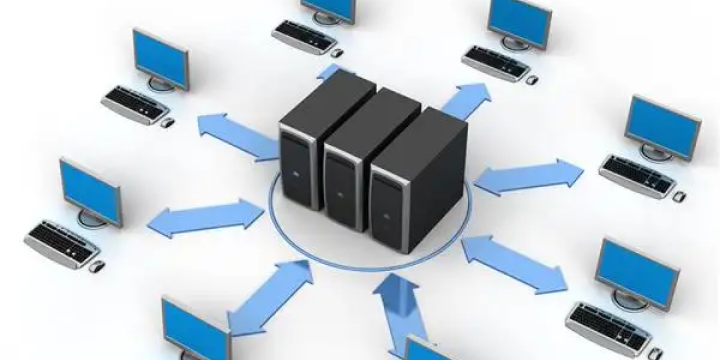
AI知识库
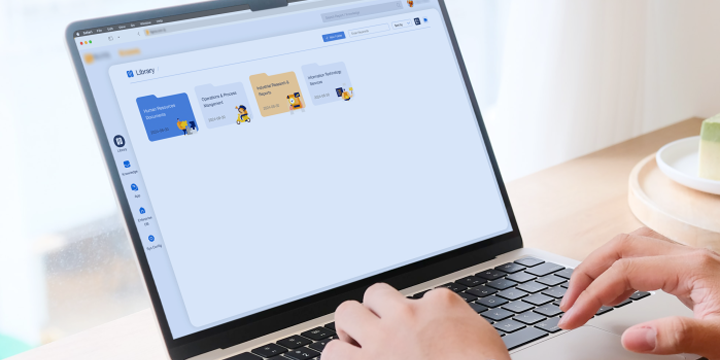
在信息高速传递的时代,企业对知识管理的需求日益增长。为了帮助企业高效地整合、管理和利用知识资源,我们基于Drupal这一强大的内容管理系统,融合了人工智能技术,为企业提供一站式的知识管理解决方案,助力企业提升核心竞争力。

企业应用
我们根据企业应用场景,为您定制企业内部应用,包括企业培训和考试应用,设备场所预定应用,人工智能应用等。为企业智能化管理提供完整的解决方案,并落实到开发和服务。从而使企业内部管理趋于信息化,提升团队协同体验。

电子商务
我们基于Drupal Commerce为您提供多功能融合体系的电子商务解决方案,支持B2C,B2B等多电商业务场景交易功能定制和营销工具集成,支持主流支付平台对接,实现平台在线支付。

戴文以技术能力为核心,覆盖咨询、设计、
运维、培训等方面,实现一站式服务。
开发服务
- 网站/应用开发
- 移动应用
- 电商平台
- 微信小程序
咨询服务
- Drupal咨询评估
- 网站/应用咨询
- 等级保护评测咨询
- 用户体验咨询
体验设计
- 用户体验设计
- 设计思维工作坊
- 网站/网页设计
- 软件UI设计
运维&设计
- Drupal 运维
- 网站/应用运维
- Drupal 培训
戴文动态
Drupal协会成员